You want to add music to PowerPoint Presentation ? But you don’t know how to do this. In this lesson I will help you to make this.

First, open the Microsoft PowerPoint, then you need open the presentation you want to add music.


Go to Insert menu, choose Audio , click on Audio on My PC

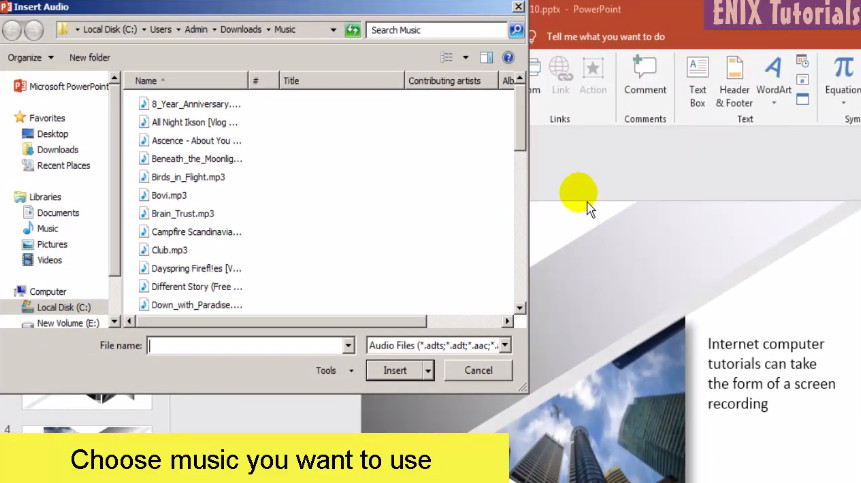
Then choose the music you want to use
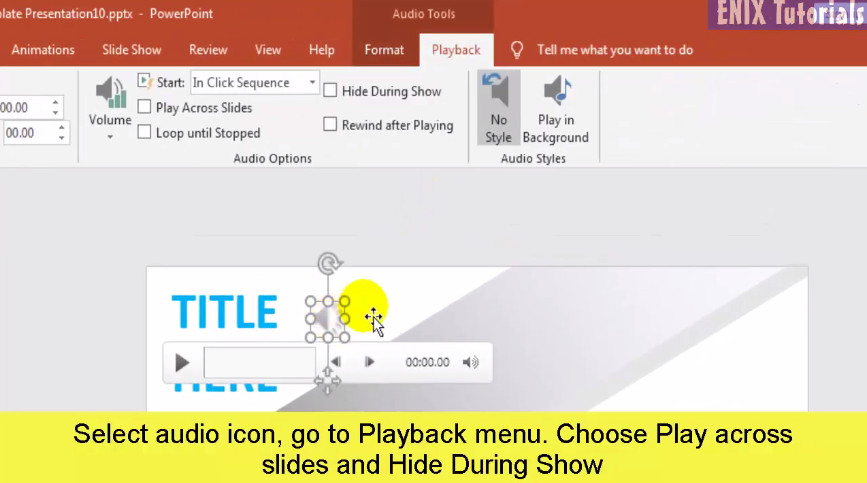
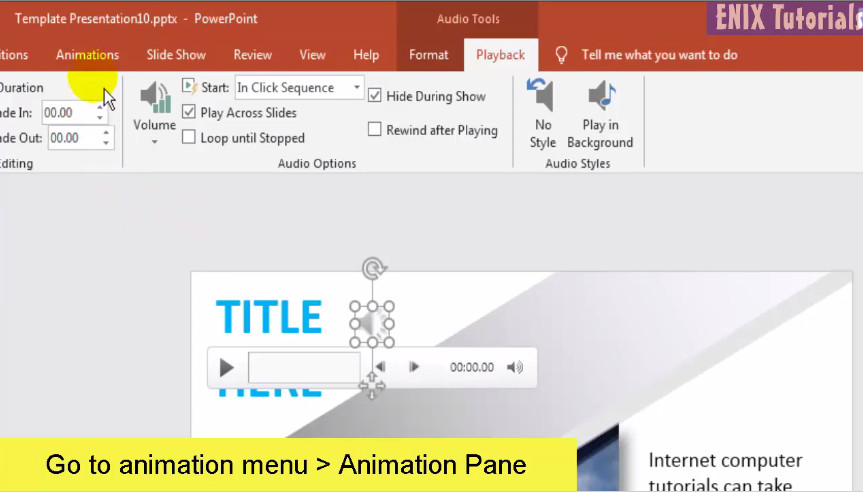
OK now go to Select Audio icon, go to Playback menu. Choose Play across
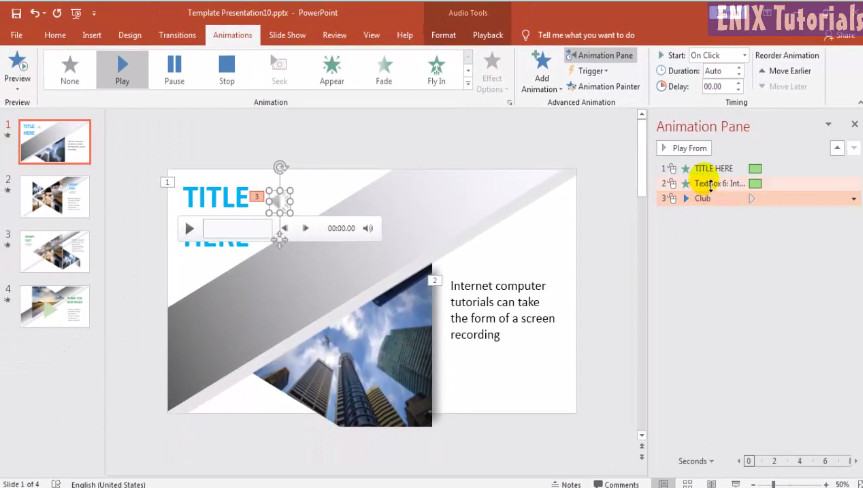
then go to Animation menu, click to Animation pane
For more detail, please see this video below:
 Enix Tutorials